Here we’ve compiled answers to some of the most common questions we receive from exhibitors. We hope you find what you’re looking for, and if not, you’re welcome to contact us.
Here you’ll find general information that is useful to know before and during your visit.
Move-in
April 27, 08.00-20.00
April 28, 07.00-08.30
Move-out
April 29,16.30-22.00
Wednesday, April 28, 2027
Thursday, April 29, 2027
Times will be updated shortly.
You register your booth staff yourself via My Easyfairs. All booth staff must be registered, here’s how to do it:
Book everything you need for your stand here!
Here you’ll find answers to common questions that may arise on-site during your participation in the fair.
We’re glad you’re interested in giving a presentation at Food Innovation. Please contact Sofia Johansson to discuss the topic and format you’re interested in:
With a few simple tips, you as an exhibitor can maximize your participation. Here’s a short checklist:
In short, prepare well to be the best!
Find accommodation near Malmömässan here!
Flexible stand builds with beMatrix at Easyfairs Malmö and Kista events
Easyfairs and their stand build company Nordic Expo Service uses beMatrix at both Malmömässan and Kistamässan and it is a reusable modular aluminum framing system for building exhibition stands, event spaces, retail displays, and other temporary structures.
Wall color & secure mounting options
A good alternative for achieving a wall color or design other than white is to use printed rigid panels or tension fabric graphics. These graphics can be reused at future exhibitions, providing a more sustainable solution while also creating a more premium and professional look compared to traditional painted chipboard walls.
When mounting items such as shelves on beMatrix walls, Nordic Expo Service needs to be informed so they can assist the customer in preparing the wall structure for proper and secure installation.
Tailored solutions aligned with your needs
Nordic Expo Service has extensive experience in planning, designing, and building exhibition stands in Sweden and internationally. They create tailored stand solutions that reflect your company, products, and goals, with a focus on smart use of space, clear messaging, and visitor engagement.
Contact Natalie Alexandersson for personal service.
+46 (0) 765 25 70 22
Here you’ll find answers on how to collect leads efficiently during your participation.
The Smart Badge is the digital business card for all participants. Scroll down the page to learn more about all the benefits you, as an exhibitor, gain by collecting leads through Smart Badges.
With Visit Connect, you as an exhibitor can scan the QR code on a visitor’s Smart Badge to collect hot leads. Scroll down the page for more information.
Here you’ll find answers on how you can work with marketing before, during, and after the fair.
Getting the right visitors to the fair is a team effort. Both we as organizers and you as exhibitors are responsible for inviting visitors. Statistics show that exhibitors who market their participation before the event achieve 250% better results than those who don’t.
You can think of the fair as a shopping mall: we, the organizers, are the mall, and you, the exhibitors, are the stores. To attract customers to your store instead of all the others, you need to promote your presence and stand out from the crowd. Once on-site, the store must also look appealing and have knowledgeable staff available to build strong relationships with visitors who actually come to your booth.
To maximize your participation at the fair, we offer several tools to help you along the way:
Under the “Exhibitor list” on our website, the information you fill in via My Easyfairs is displayed. (For more details, see the My Easyfairs section.) Here you can describe your company, upload innovative products and news, and post job openings. Statistics show that exhibitors with a complete My Easyfairs profile generally perform better on-site. This information is also sent individually to all visitors who scan your reader at the fair.
You can find this in My Easyfairs under “Invite your existing and potential customers” and “Invitation.” Benefits of the personal registration link include:
We’ve prepared a banner for you to use in your marketing. You can find it in My Easyfairs under “Marketing materials.”
Don’t forget to tag us on Facebook, Instagram, and LinkedIn @foodinnovationexpo and use our hashtag #foodinnovation on social media.
What is My Easyfairs:
The majority of visitors plan their visit via our website. The information you fill in on My Easyfairs is what appears in our exhibitor list on the website. Here you can present your company, your products, news, and job openings. During the fair, you will have a Smart Badge Reader in your booth that visitors can scan with their Smart Badges (name tags). When they scan your reader, they receive the information you uploaded via My Easyfairs sent to them by email.
Through My Easyfairs, you can also:
Logging in to My Easyfairs:
When your company’s booth was booked, the person who made the booking received an email from “My Easyfairs” with a link to the system, prompting them to confirm their email address and choose a password. The email address is the username, and the password you choose becomes the login password. If the password is forgotten, select “Forgot password” and follow the instructions. In some cases, if there are issues, switching browsers and trying again may help.
Have you filled in your information previously?
This information is still available in My Easyfairs. Log in again to make sure it appears in the current exhibitor list on the website.
Add more users:
You can invite others within your company to My Easyfairs if you want more people to have access to the account.
Yes, we have all marketing materials available. We will publish a link shortly.
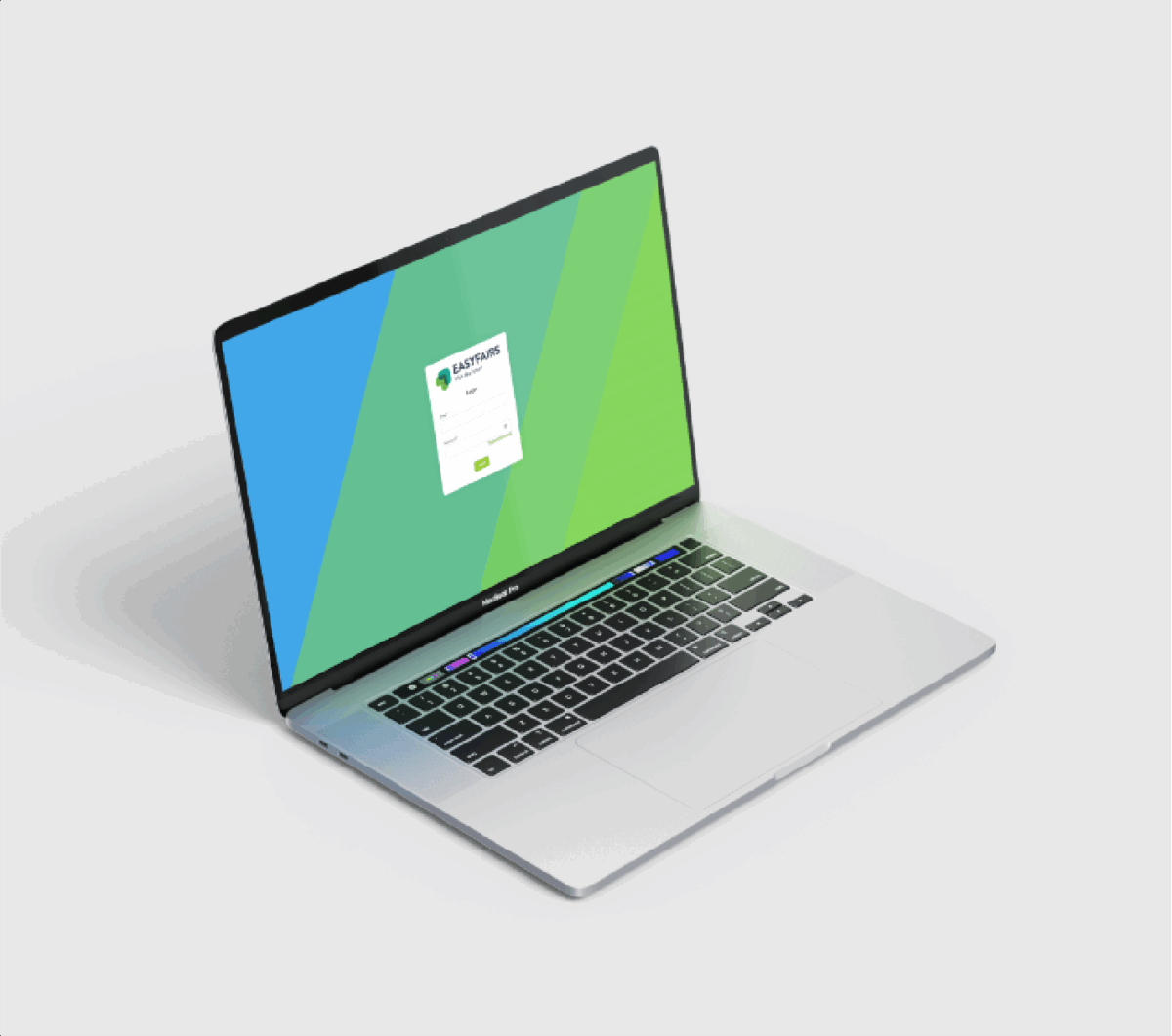
In our exhibitor portal MyEasyfairs, you can upload information about your company, your logo, contact details, register booth staff, download banners, and access your digital ticket. MyEasyfairs is linked to the website’s exhibitor list, so make sure to maximize your visibility by completing and keeping your profile up to date!
As an exhibitor, you will receive a reader during move-in to place on your booth wall to enhance the overall experience for our visitors. The reader is a wireless sensor that is positioned in your booth.
When a visitor touches the reader with their Smart Badge, all the company information you have shared in My Easyfairs is automatically collected. The information is summarized and sent in a single email after the end of the fair day.
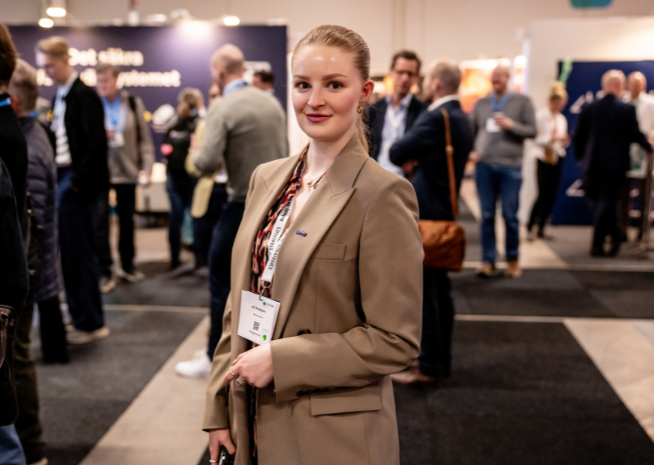
For those with GoLeads, GoPlus, and GoPremium. With the Visit Connect app, you can scan information about the visitors who come to your booth simply by scanning the QR code on their Smart Badge. This makes follow-up after the fair easier and ensures you don’t lose important business cards or contact information.
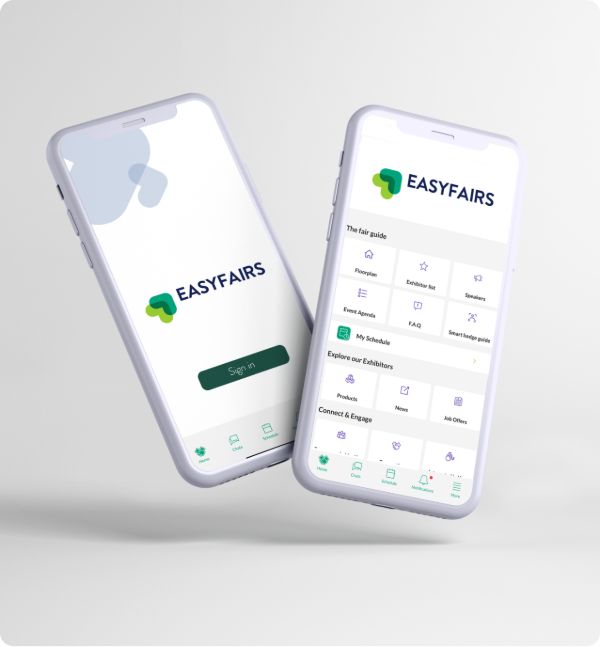
The Easyfairs Nordics app gives you as an exhibitor, full control throughout the entire event, from preparation to follow-up.
